
Featured Products




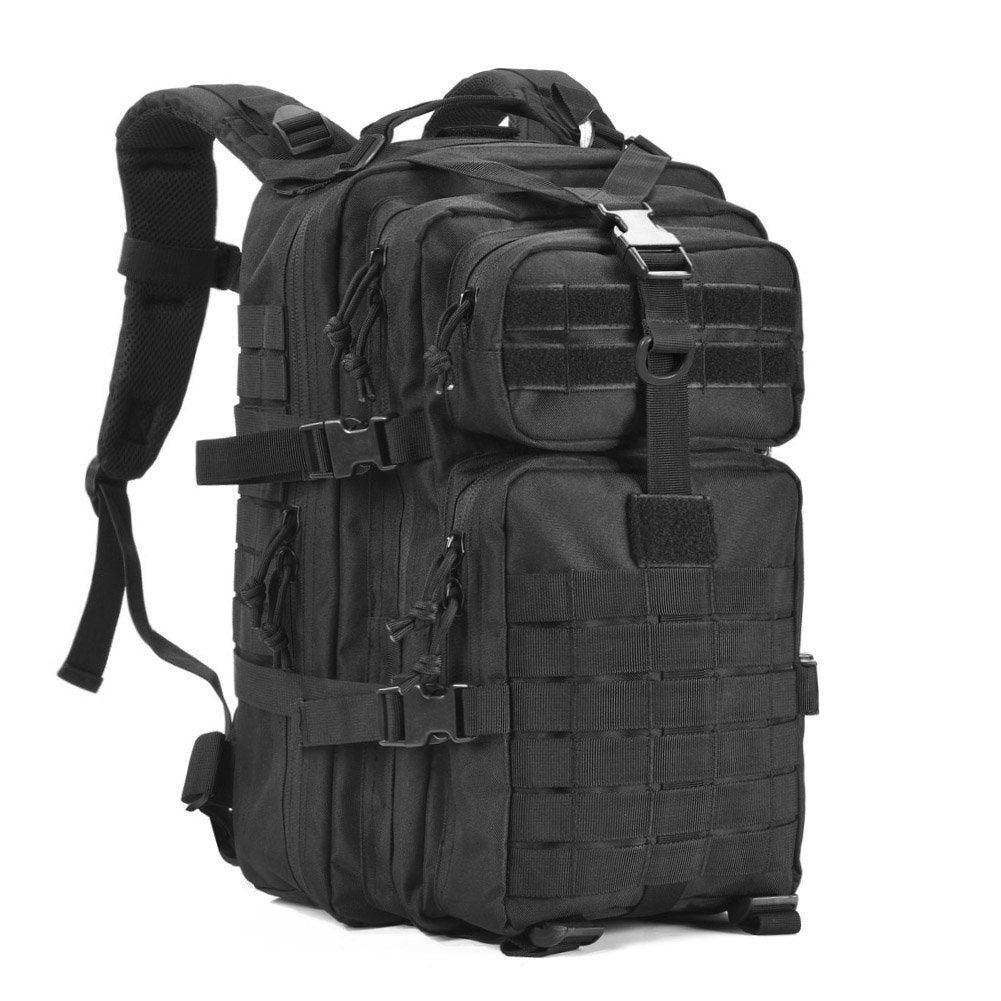

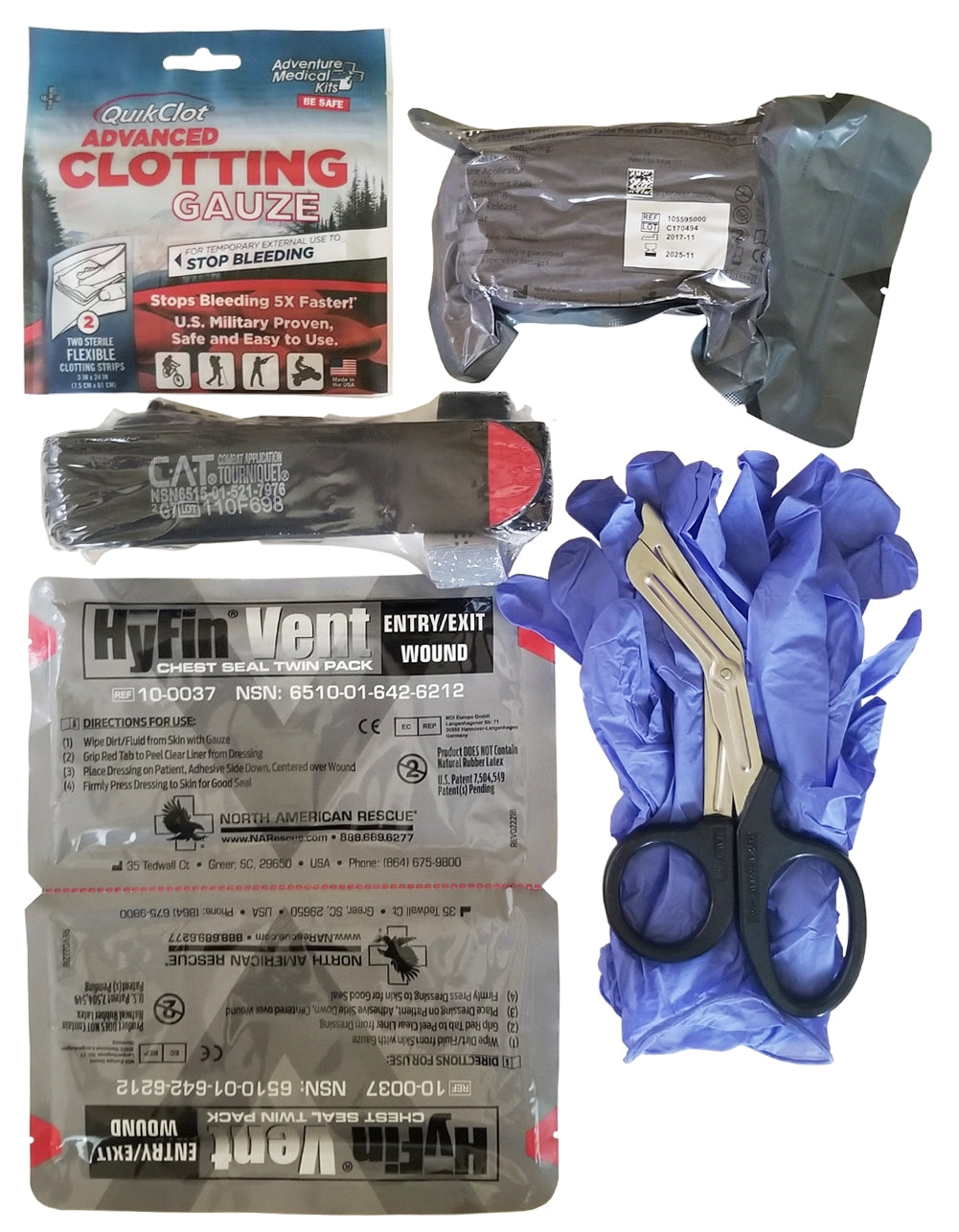



Featured Collections

Popular Products at Best Glide ASE
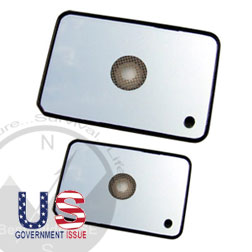

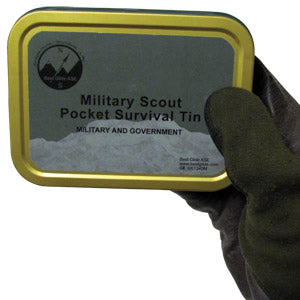

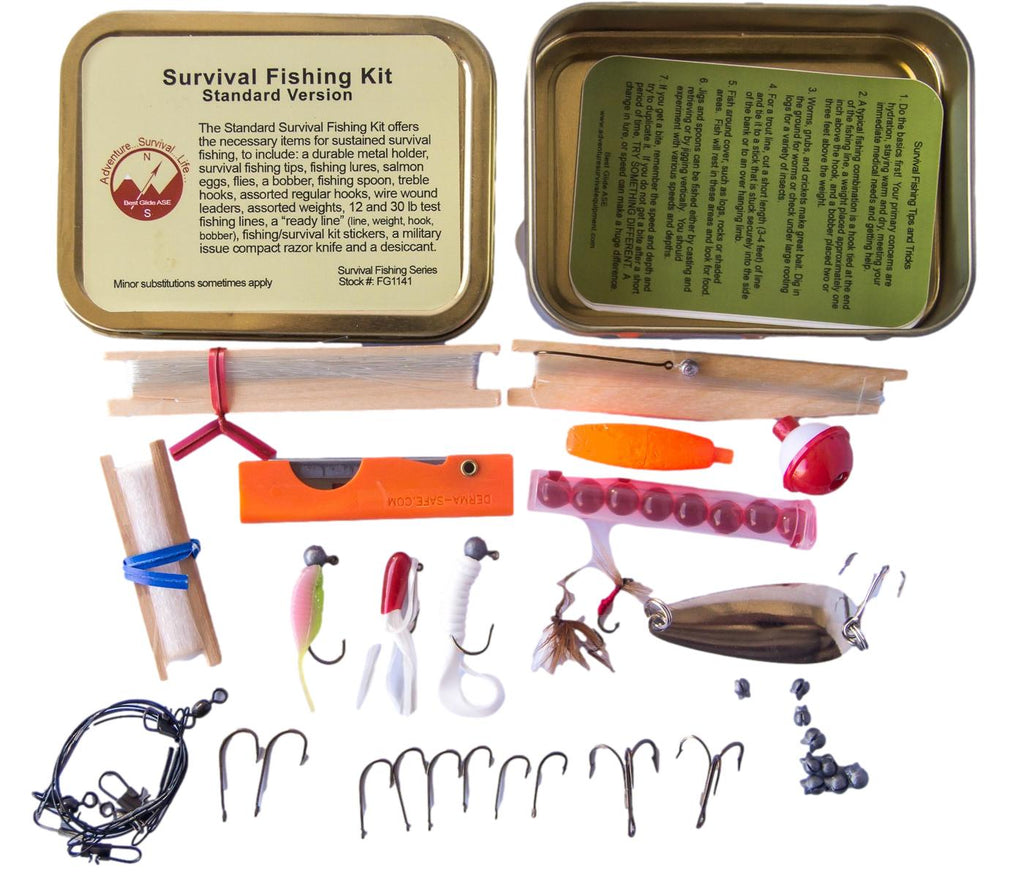





Serious Survival Kits and Gear
Best Glide A.S.E has been proudly manufacturing and offering high-quality equipment since 2002. It is our mission to provide you with a comprehensive selection of high-quality survival gear and kits at a reasonable price. We are one of the oldest survival equipment dealers to continuously provide rapid and friendly customer service because Best Glide A.S.E believes that everyone should have easy access to the survival gear they need.
Professionally Acquired,
High-Quality Equipment
Best Glide A.S.E. offers a large inventory of military-approved items as well as our own line of no-frills survival gear with a focus on dependability. Our equipment is selected specifically in order to ensure utility regardless of environment or experience and many items are fit for multiple tasks. Additionally, our inventory offers countless complementary items that can supplement or update any equipment you already have. We heavily consider purchasing each item to ensure value, reputation, and reliability because, to us, quality is the most important. Each item is chosen under the premise that we ourselves would trust our lives using it; if we don’t trust it then you won’t find it here. We don’t compromise when it comes to our own survival and we refuse to ask you to do so either.
Military and Government Approved
Over the years, Best Glide A.S.E has developed a reputation as the ideal place for custom survival kits. This reputation has allowed us to supply numerous individuals, rescue organizations, corporations, clubs, and government agencies with our equipment. This includes the F.B.I., U.S. Army, Air Force, D.E.A., State Department, N.A.S.A. and even the Boy Scouts. We provide numerous U.S. Military-issue and NATO-approved items and our custom survival kits are being used across branches of the Armed Forces today. Only at Best Glide A.S.E can you find the exact equipment for basic survival needs used by military professionals all over the world.